

Pick the element
点选目标元素
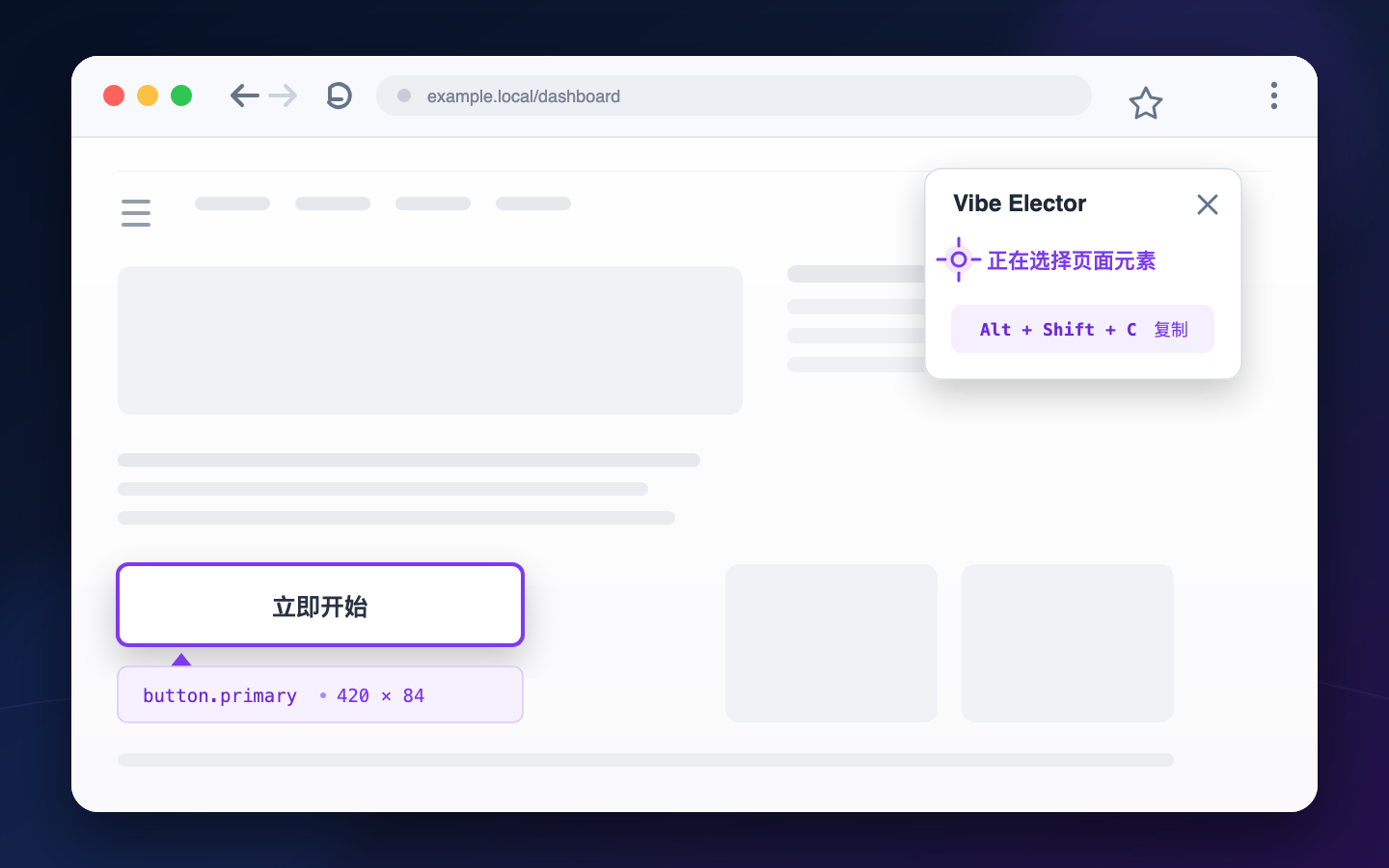
Click any visible UI element. Vibe Selector prepares a stable selector and a short summary.
点击任意可见的 UI 元素。Vibe Selector 会准备稳定的 Selector 和简短摘要。
Click an interface element and copy its selector and useful context for your coding agent. No full-page DOM dump.
点选一个界面元素,把 Selector 和必要上下文复制给 Coding Agent。不用再贴整页 DOM。
Pick the next element, or paste this into your coding agent.
继续选择下一个元素,或直接粘贴给 Coding Agent。
Copied to your local clipboard已复制到本地剪贴板Vibe Selector collects the element, where it is, and the context your agent can act on.
Vibe Selector 会整理元素、它在页面上的位置,以及 Agent 真正用得上的上下文。
Click any visible UI element. Vibe Selector prepares a stable selector and a short summary.
点击任意可见的 UI 元素。Vibe Selector 会准备稳定的 Selector 和简短摘要。
URL, selector, DOM path, dimensions, and a safe HTML signature. Nothing extra.
URL、Selector、DOM Path、尺寸和安全的 HTML 签名。该有的都有,不多塞内容。
After copying, the element unlocks and selection mode stays on.
复制后元素会自动解锁,选择模式保持开启。
No network requests, telemetry, or selection history. When you copy, Vibe Selector writes the context only to your local clipboard.
不发起网络请求,不做遥测,也不保存选择历史。你点击复制后,定位信息只会写入本地剪贴板。
Read the privacy policy ↗阅读隐私政策 ↗The extension does not send page content anywhere.
扩展不会把页面内容发送出去。